Fleet
A companion web dashboard for any AI coding agent.
bunx @pruett/fleetNo API keys. No database. No config. Just run it.
The problem
AI coding agents are powerful, but they operate as black boxes. You start a session, walk away, and come back hoping it worked. When it didn’t, you’re left scrolling through terminal output trying to figure out what went wrong.
Fleet gives you a structured, real-time window into every agent session. It runs locally, requires zero configuration, and works with the tools you already use.
Features
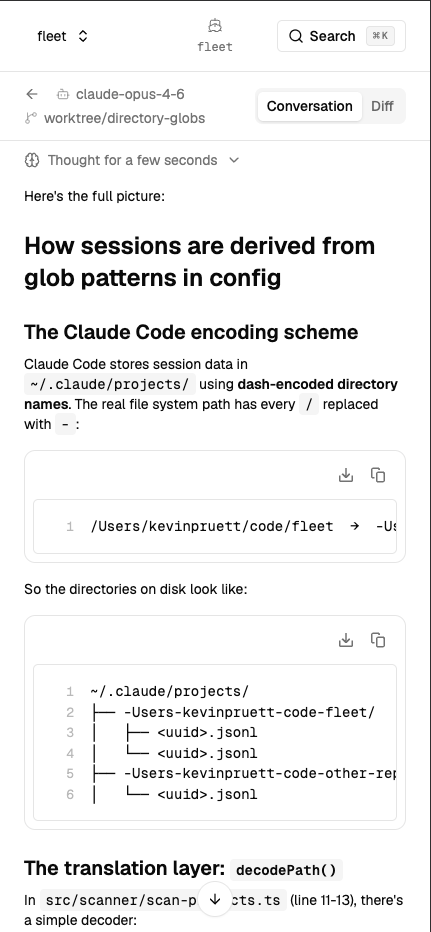
Real-time transcripts
Watch agent reasoning, tool calls, and outputs stream live as your agent works. No more black boxes.
Session search
Full-text search across all sessions. Find that one conversation where the agent solved the tricky bug.
Multi-device access
Monitor sessions from your phone, tablet, or any browser. Pair with Tailscale for remote access.
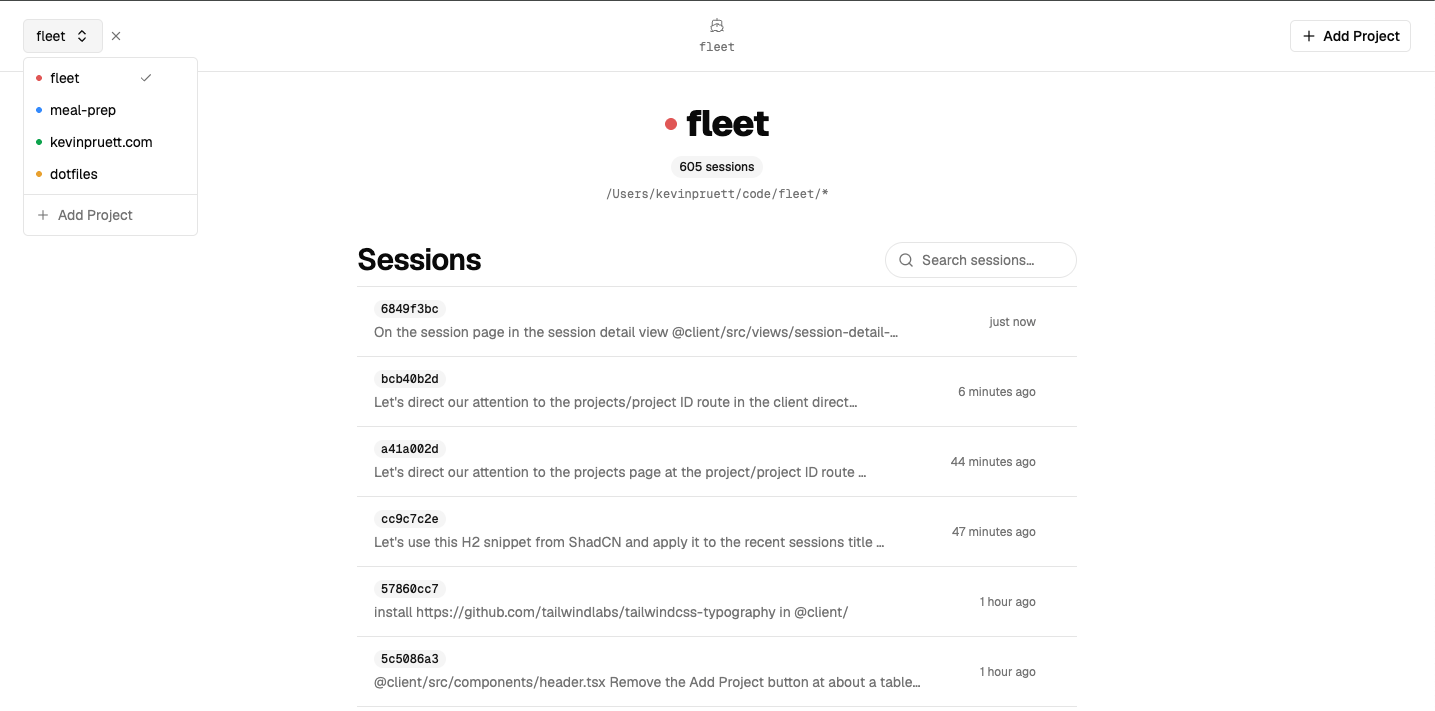
Project grouping
Organize sessions by project with configurable glob patterns. Keep your workspace tidy.
How it works
Scan
Fleet watches your configured directories for session transcript files.
Parse
Raw JSONL transcripts are converted into structured conversations with turns and metadata.
Stream
Active sessions are watched for changes and updates are pushed to the dashboard via WebSocket.
Serve
A clean web interface with syntax highlighting, collapsible blocks, and analytics panels.
Configuration
Fleet works out of the box with sensible defaults. For custom setups, use CLI flags or a config file.
| Flag | Default | Description |
|---|---|---|
| -p, --port | 3000 | Server port |
| --base-paths | ~/.claude/projects | Session data locations |
| -v, --version | — | Print version |
~/.config/fleet/settings.json
{
  "projects": [
    {
      "name": "my-app",
      "directoryGlob": "*my-app*"
    }
  ]
}
Compatibility
Get started
Fleet is free, open source, and runs entirely on your machine.